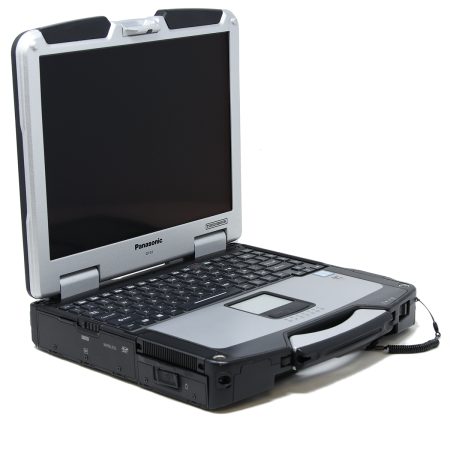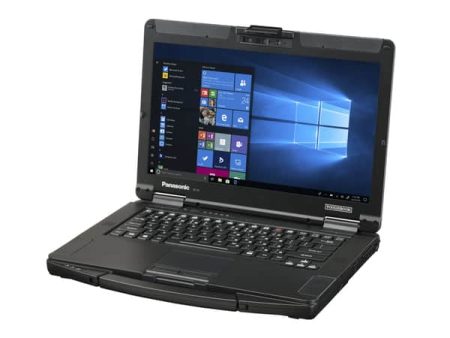





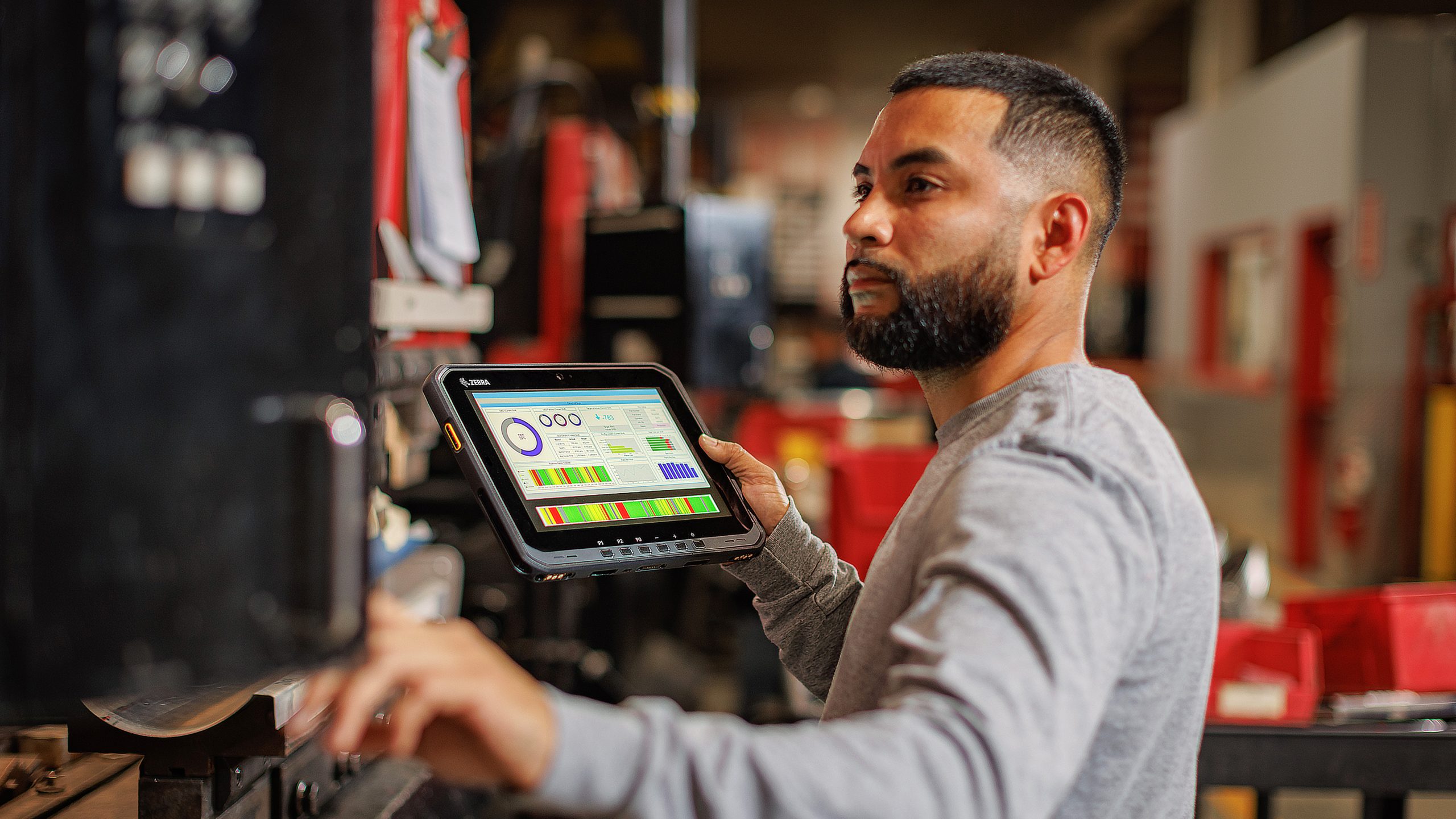
Mobile professionals often switch between desk-based tasks, vehicle operations, inspections, and outdoor assignments during the same shift. Carrying separate computers for each setting adds weight, complicates device management, and may slow access to important information. The panasonic toughbook cf-33 rugged computer addresses this challenge through a detachable design that can function as either a tablet or a conventional laptop.
Why Field Teams Need Flexible Computers
A field computer may be used in several ways throughout the day. A utility technician might review work orders in a vehicle, carry the screen to an equipment site, record inspection results, and reconnect it to a keyboard before preparing a report.
Common field tasks include:
- Viewing maps, diagrams, and work orders
- Recording inspection findings
- Collecting customer signatures
- Accessing equipment service histories
- Running diagnostic software
- Taking photographs at work locations
- Communicating with dispatch teams
- Completing reports from a vehicle or office
A fixed laptop may be inconvenient when employees need to stand, walk, or work in confined areas. A standard tablet can be easier to carry but may lack the keyboard, ports, and docking connections needed for longer tasks. A detachable 2-in-1 format provides access to both working styles.
How the Detachable Design Supports Daily Tasks
The CF-33 uses a 12-inch tablet that can be connected to an optional keyboard. Employees can detach the tablet for mobile activities and reconnect it when they need a physical keyboard or additional connections.
The tablet format may be useful for:
- Conducting site inspections
- Capturing signatures
- Reviewing instructions while standing
- Entering information inside confined spaces
- Photographing equipment or property
- Presenting information to customers
The laptop format may be better for:
- Writing detailed reports
- Entering larger amounts of data
- Working with spreadsheets
- Using desktop-style software
- Connecting several external devices
- Completing administrative work
This arrangement can reduce the need to issue both a laptop and tablet to the same employee.
A 3:2 Display Provides More Vertical Space
The CF-33 uses a 3:2 screen ratio rather than the wider format found on many consumer laptops. The added vertical viewing area can make business documents, web forms, maps, and reports easier to review.
The display is suited to tasks involving:
- Inspection forms
- Technical diagrams
- Digital maps
- Equipment records
- Dispatch software
- Inventory applications
Its touchscreen and digitizer support allow employees to interact directly with forms and applications. A high-brightness display also helps improve visibility when the computer is used outdoors or inside a brightly lit vehicle.
Screen visibility should still be assessed under the conditions where employees normally work. Brightness, reflections, viewing angle, and glove use can all affect usability.
Physical Protection Matters in Mobile Settings
Computers used in the field face risks that are uncommon in offices. They may be dropped, exposed to dust, carried through rain, or subjected to continual vehicle vibration.
The CF-33 is classified as fully rugged and is tested against standards covering environmental and physical stress. Its IP65 rating indicates protection against dust and water jets when the device is properly configured and its protective covers are secured.
This type of construction may help protect against:
- Accidental drops
- Mechanical vibration
- Dust exposure
- Rain and water spray
- Temperature changes
- Frequent transportation
- Demanding outdoor conditions
No rugged rating makes a computer indestructible. Employees should still follow handling, charging, cleaning, and storage procedures provided for the device.
Twin Batteries Support Longer Working Periods
Battery access can be limited during field assignments. Employees working in remote areas, emergency vehicles, or active industrial sites may not be able to stop and recharge a computer during a shift.
The CF-33 uses a twin-battery design that supports hot swapping. A depleted battery can be replaced while the second battery continues supplying power, allowing the computer to remain in operation.
This can be helpful during:
- Extended emergency response
- Full-day site inspections
- Utility repair assignments
- Remote maintenance work
- Long vehicle patrols
- Outdoor data collection
Actual operating time will depend on battery condition, screen brightness, wireless activity, software demands, connected accessories, and temperature.
Connectivity Should Be Reviewed Before Purchase
Field organizations often use specialist equipment that requires certain ports or wireless connections. The available options can vary according to the selected CF-33 generation and configuration.
Buyers should confirm requirements for:
- USB and USB-C connections
- Ethernet
- HDMI
- Serial equipment
- Mobile broadband
- Wi-Fi and Bluetooth
- GPS
- Barcode readers
- Smart card readers
- Vehicle docks
- External monitors
Checking these needs in advance can prevent compatibility problems after deployment.
Who Can Benefit From the CF-33?
The detachable design and physical protection can support workers across several sectors, including:
- Police, fire, and emergency medical services
- Utility and energy operations
- Construction and site management
- Field maintenance and repair
- Transportation and fleet operations
- Warehousing and logistics
- Government and military work
- Industrial inspection teams
The correct configuration should be based on software, working conditions, battery needs, required accessories, and mounting arrangements. Organizations can compare available CF-33 units, configurations, upgrades, and accessories through Tough Rugged Laptops and select a field computer suited to their operational requirements.