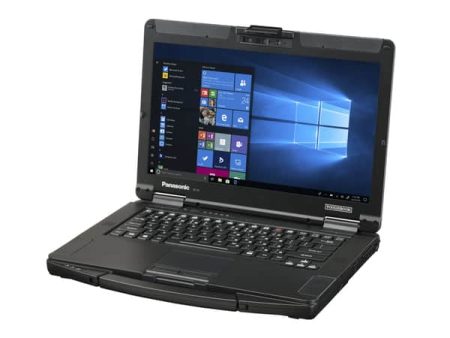

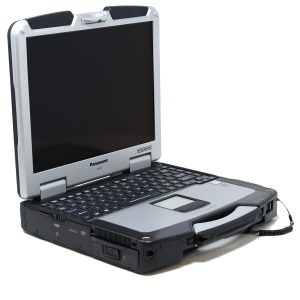



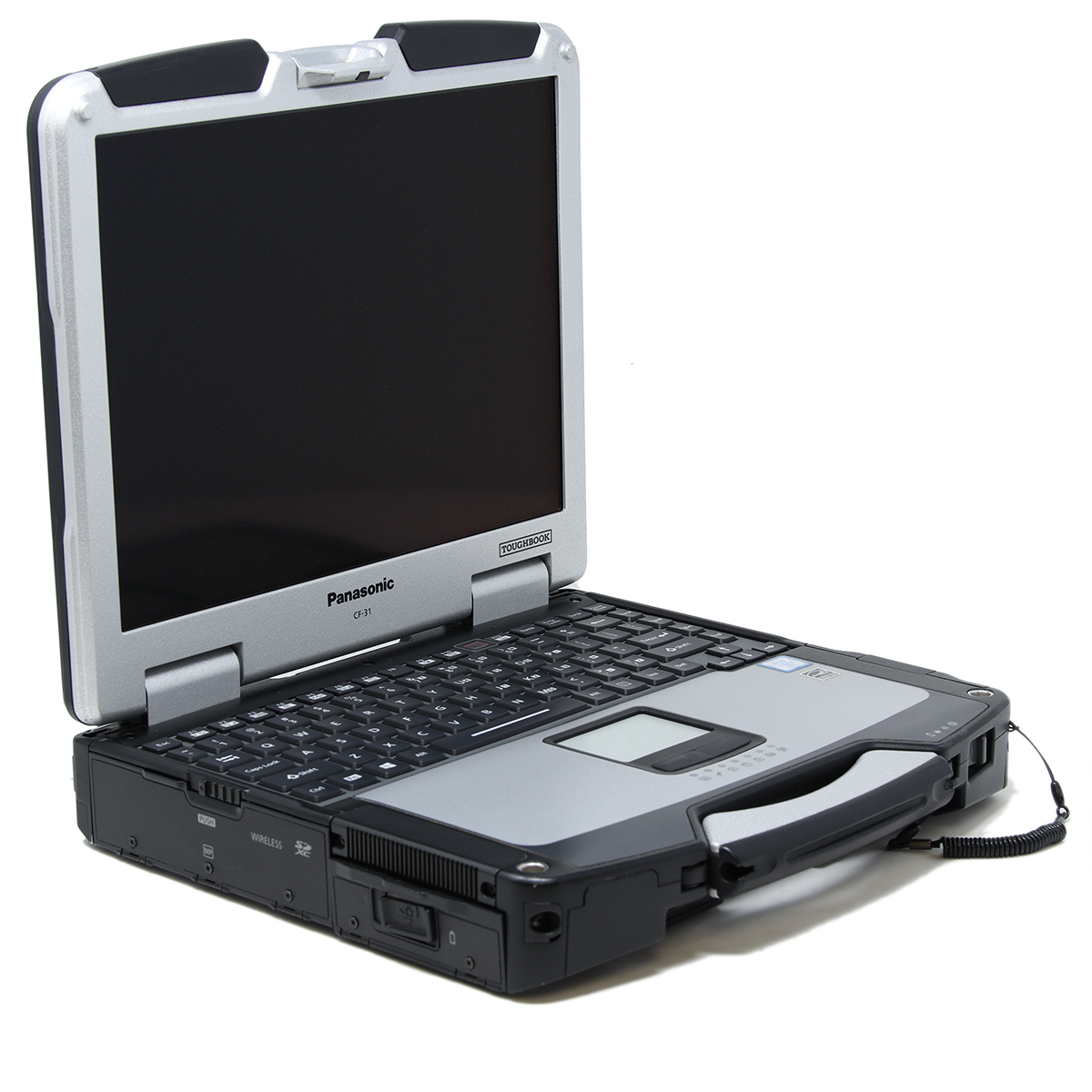
Organizations that rely on computers outside traditional office environments often have different hardware requirements from everyday laptop users. A panasonic toughbook refurbished laptop can be a practical option for businesses that need durable computing equipment while keeping acquisition costs under control. For field service teams, warehouses, repair facilities, public-sector departments, and industrial operations, refurbished rugged equipment can offer a useful balance between durability, functionality, and budget.
Rugged Laptops Are Built for Different Conditions
Most consumer laptops are designed around portability, appearance, and general office use. They are usually expected to remain on desks, conference tables, or home workspaces.
Rugged laptops serve a different purpose.
Panasonic ToughBook models have historically been designed for environments where computers may experience frequent movement, vibration, drops, changing temperatures, dust, and occasional exposure to moisture. Depending on the model, rugged features can include reinforced housings, protected ports, spill-resistant keyboards, shock-mounted storage, and stronger internal construction.
These features can make rugged laptops more suitable for demanding workplaces where a standard notebook may face greater risk of physical damage.
Refurbished Hardware Can Serve Many Professional Roles
Not every organization needs a brand-new computer for every employee.
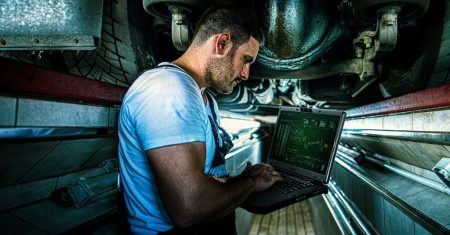
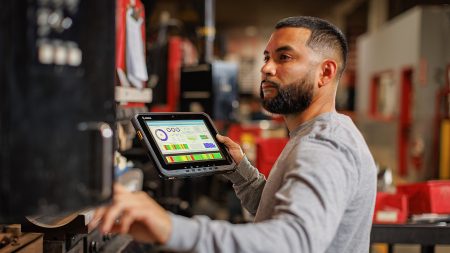
A refurbished ToughBook may be suitable for field technicians who need access to service software, warehouse teams running inventory programs, automotive professionals using diagnostic applications, or construction supervisors reviewing plans and reports on-site.
Other possible users include utility crews, fleet managers, manufacturing employees, emergency response departments, and mobile repair teams.
For these organizations, the most important question is often not whether the laptop is the newest model. The bigger concern is whether the computer can handle the required software and working conditions reliably.
Purchase Price Is Only Part of the Cost
Businesses evaluating rugged computers should consider total ownership costs rather than focusing only on the initial price.
Replacing damaged consumer laptops repeatedly can become expensive. Lost productivity, hardware replacement, software setup, device configuration, and employee downtime can all add to the real cost of using unsuitable equipment.
A refurbished rugged computer may make financial sense when it remains dependable in the environment where it is being used.
Organizations should also compare repairability and replacement-part availability. Older business-grade laptops may allow components such as storage drives, memory, batteries, and certain accessories to be replaced more easily than highly compact consumer notebooks.
Specifications Still Matter
The word “rugged” should not be the only factor in a purchasing decision.
Buyers should review processor performance, installed memory, storage type, storage capacity, screen size, available ports, wireless connectivity, battery condition, and operating system compatibility.
Application requirements should guide the configuration.
For example, a technician running basic documentation and diagnostic software may have different hardware needs from an employee working with large databases or resource-heavy applications.
Solid-state storage can also be worth considering because it generally offers faster startup and application loading than older mechanical hard drives while containing no moving disk components.
Refurbished Does Not Simply Mean Used
There is an important difference between buying an unknown secondhand laptop and buying refurbished equipment from a specialist seller.
Refurbishment typically involves inspecting the computer, checking key components, preparing the operating system, and confirming that the device is ready for resale. The exact process can vary between sellers, which is why buyers should understand what testing and preparation have been completed.
Businesses should ask about cosmetic grading, battery expectations, included accessories, warranty coverage, installed operating systems, and hardware configuration before placing an order.
Clear documentation reduces surprises after the equipment arrives.
Match the Device to the Environment
Not every ToughBook offers the same level of protection.
Some models are considered semi-rugged, while others are built for more demanding environments. A computer used inside a warehouse may not require the same protection as a device carried daily through outdoor construction sites.
Buyers should consider how the laptop will actually be used.
Will employees carry it between locations throughout the day? Will it remain inside a vehicle? Is it likely to encounter dust, vibration, moisture, or frequent handling? Does the job require a touchscreen, serial connection, optical drive, or other specialized feature?
Answering these questions before purchasing helps organizations choose equipment that matches the job rather than paying for unnecessary capabilities.
Refurbished Rugged Laptops Can Extend IT Budgets
Businesses often need to equip multiple employees at once. Buying new rugged computers for an entire team can require a significant capital investment.
Refurbished hardware can provide another path.
Organizations may be able to equip more users while maintaining access to business-grade construction and the ports or features required by established software systems. This can be particularly useful for companies operating older equipment, vehicle diagnostics, industrial systems, or proprietary applications that do not require the newest laptop generation.
Standardizing on compatible refurbished models can also make device management easier when teams need similar hardware across multiple locations.
Make the Purchase Based on Work Requirements
A refurbished rugged laptop should be selected for the job it needs to perform, not simply because it carries a familiar model name. Businesses should compare specifications, condition, warranty terms, connectivity, and ruggedness before making a final decision. Companies looking for professionally prepared rugged computers can visit Tough Rugged Laptops to compare available ToughBook models and find configurations suited to field, industrial, and professional computing needs.